Not sure whether a different headline, layout or offer converts better? With an A/B test you run two (or more) versions of the same funnel page alongside each other. Visitors are divided over the versions automatically and you see the views, conversions and revenue per version. That way you decide on figures instead of gut feeling. You can A/B test any page of a sales funnel: the checkout page, a sales page, an upsell page or the thank-you page.
Sales funnels in Autorespond are based on FunnelKit Funnel Builder, included in your package. Read the FunnelKit documentation
Step 1: create the A/B test #
Open your funnel via Sales funnels → Individual funnels and click the page you want to test, for example the checkout page. Click the A/B Test button in the top right.
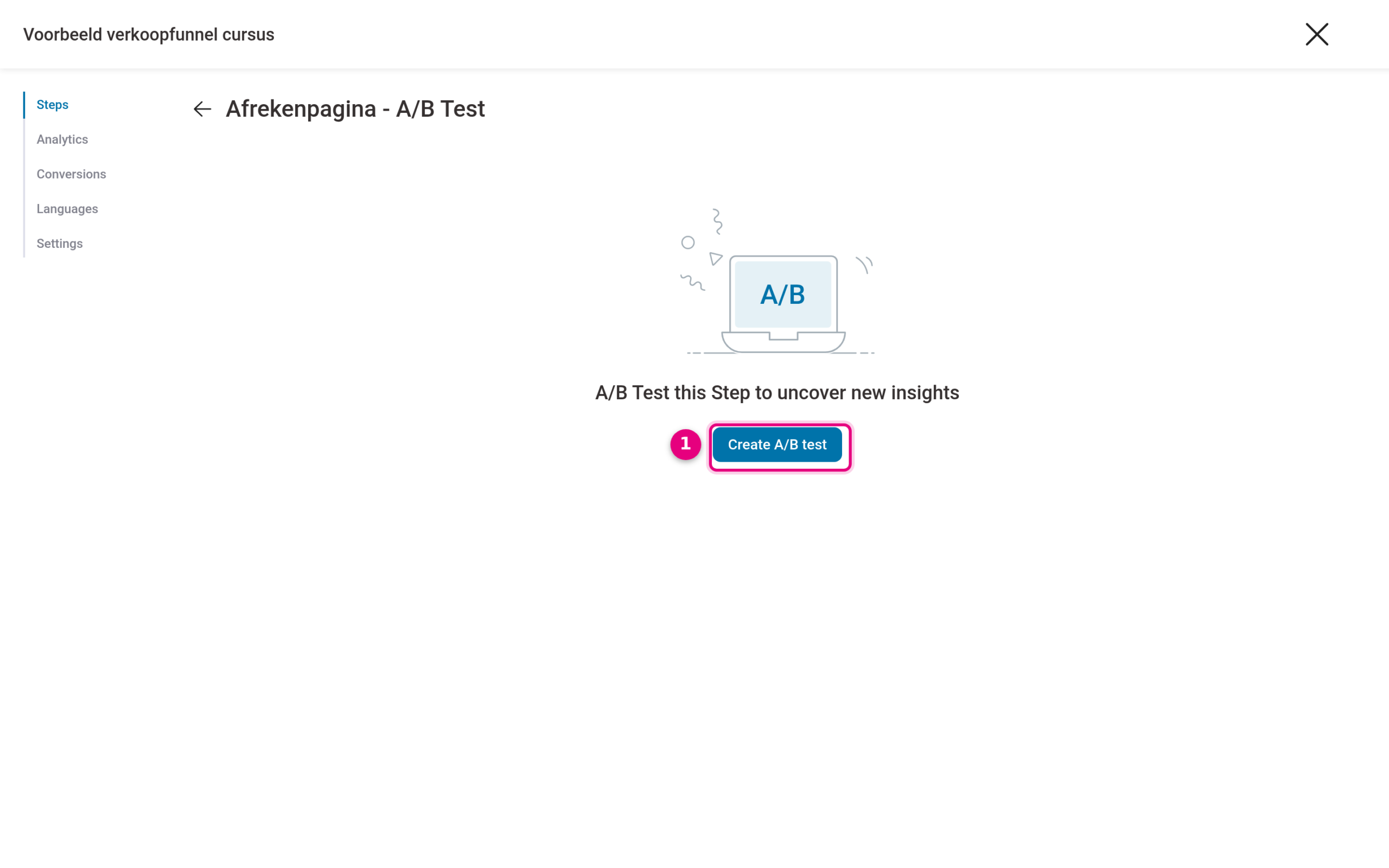
- Click Create A/B test. Your current page becomes the original of the test.
Step 2: add a variant #
Inside the test, click Add Variant.
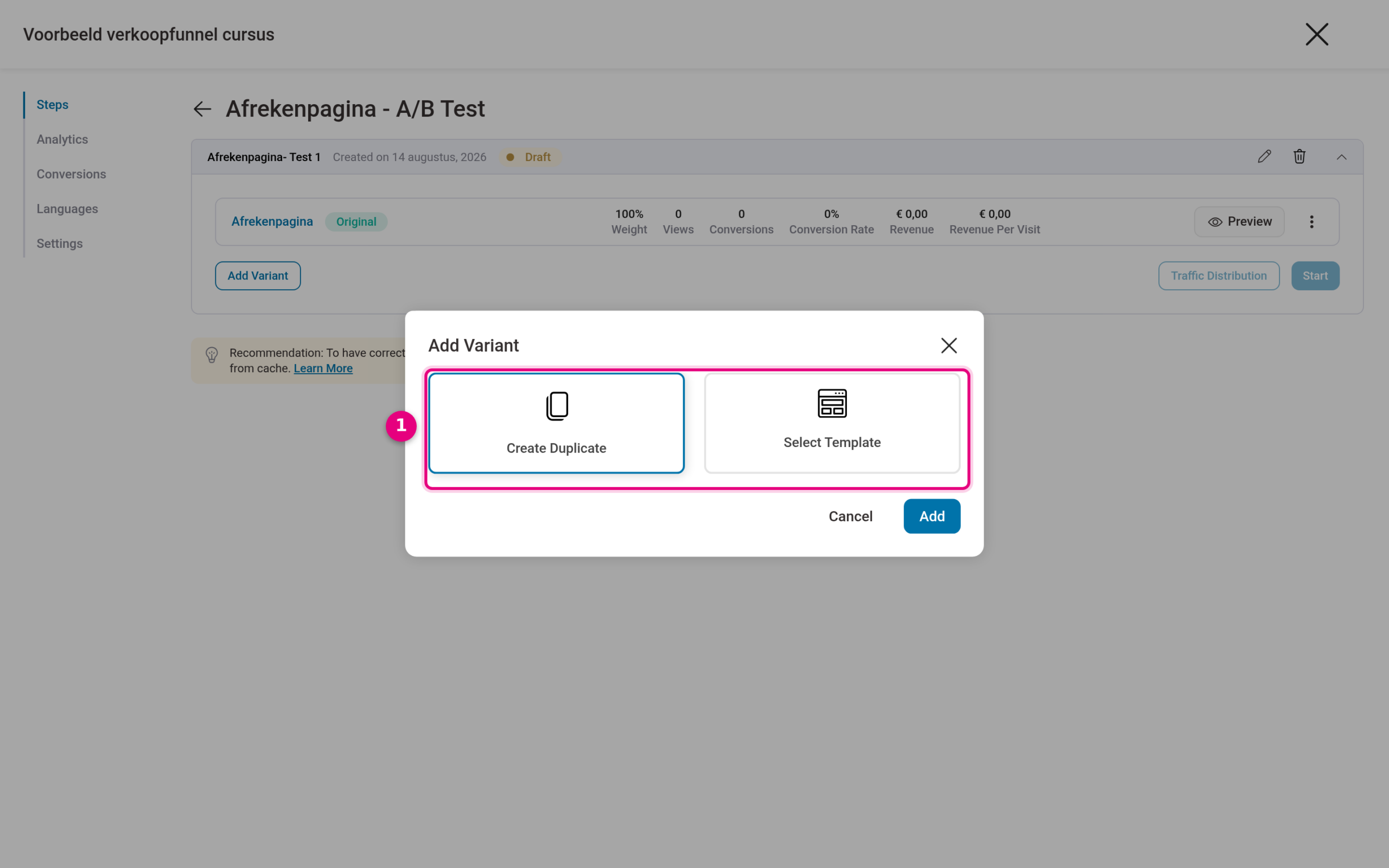
- Choose Create Duplicate to make an exact copy of your page as the variant (usually what you want: you then change one single thing). With Select Template you start the variant from a different template. Then click Add.
Next, open the variant and change what you want to test, for example a different headline or a different order of sections. Tip: change only one thing per test, otherwise you will not know afterwards which adjustment made the difference.
Step 3: set the traffic distribution #
Click Traffic Distribution to determine which share of visitors sees each version.
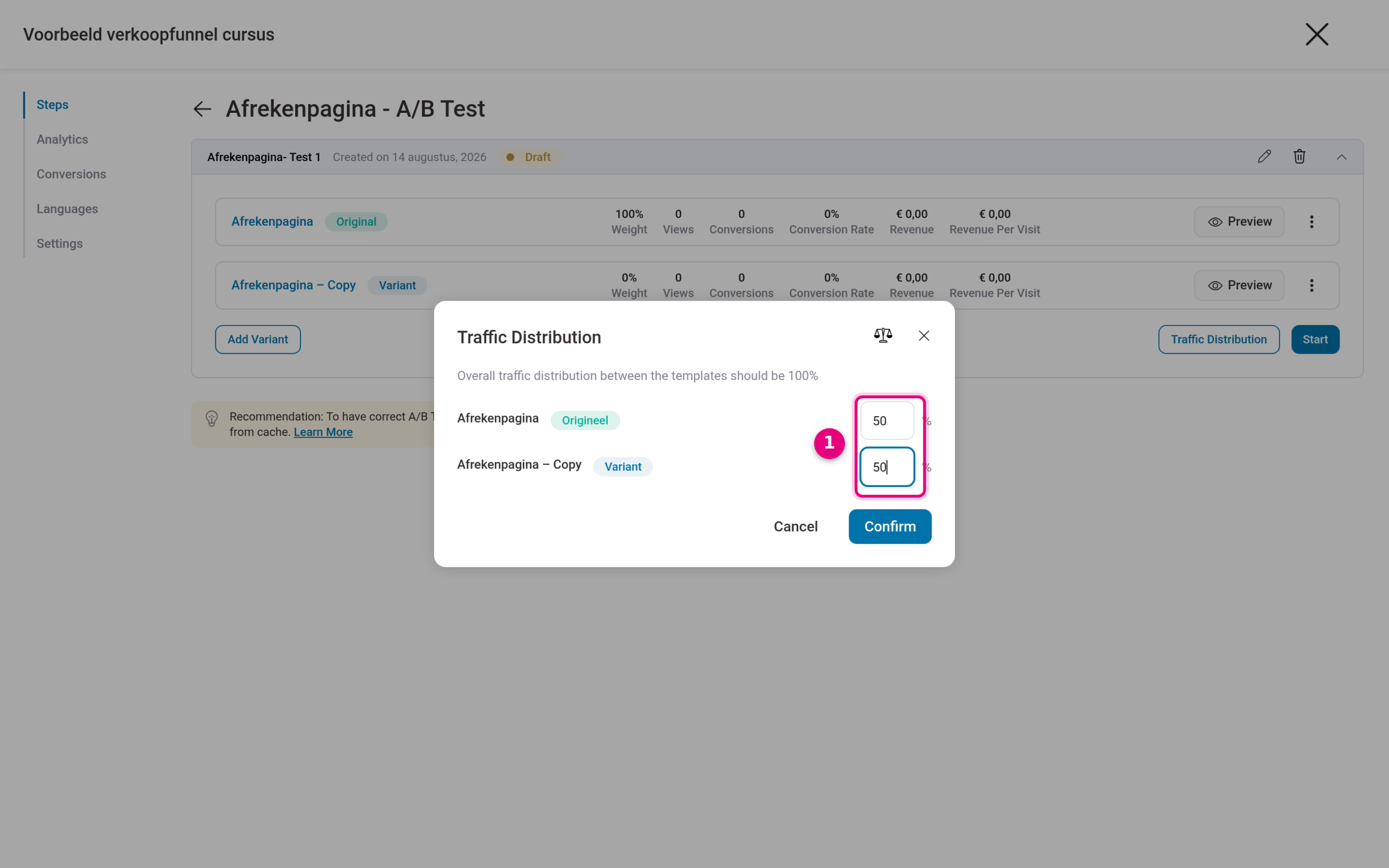
- Divide the traffic over the versions, for example 50/50 for a fair comparison. The percentages have to add up to 100. Confirm with Confirm.
Step 4: start the test and follow the results #
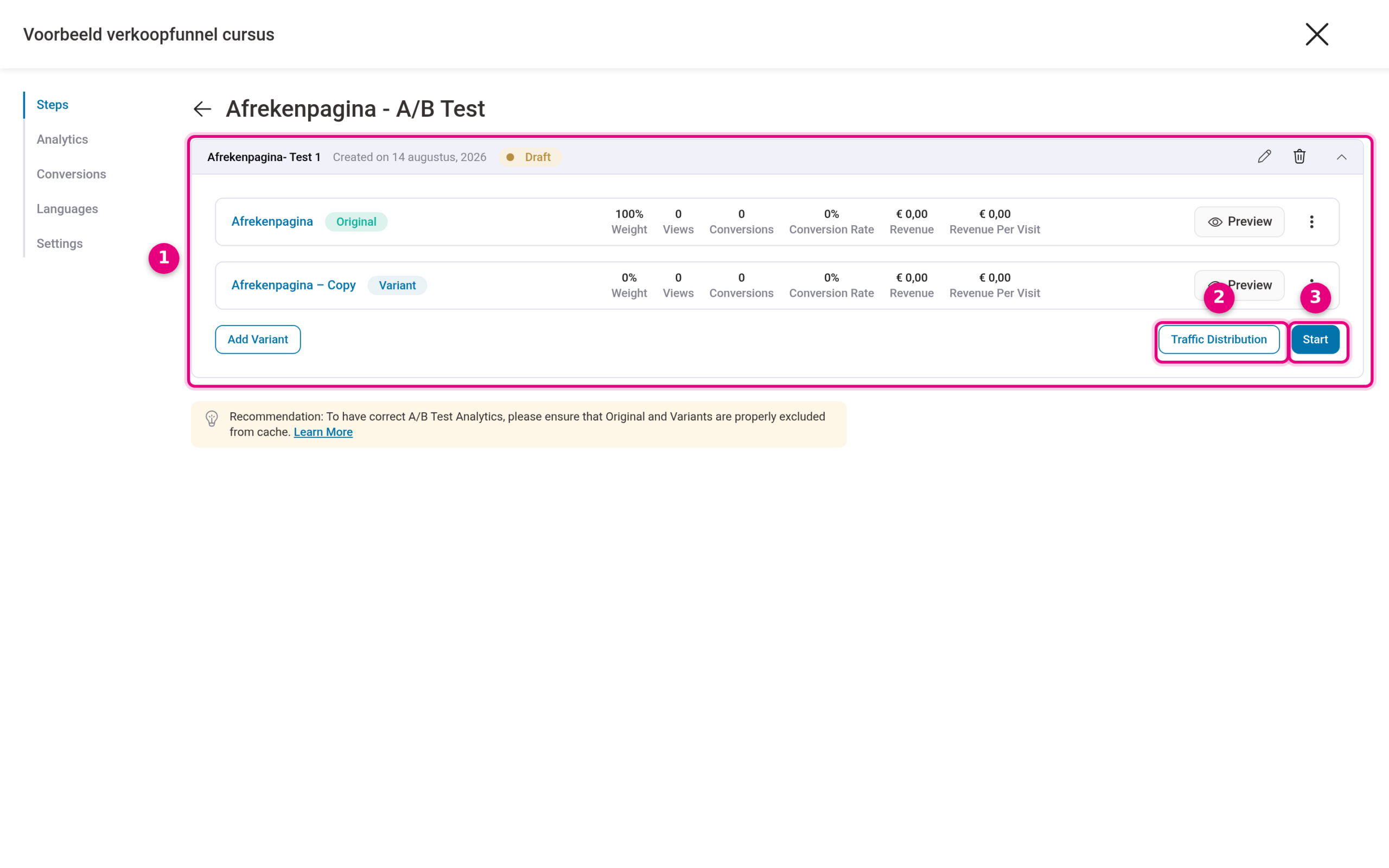
- The test now contains your original and the variant, each with its own statistics (views, conversions, revenue per visit). As long as the test is set to Draft, visitors simply see the original.
- Through Traffic Distribution you can also adjust the split later on.
- Click Start to put the test live. From that moment the traffic is divided and the counters run per version.
You see the results per version in the test itself and under Analytics of the funnel. Is there a clear winner after enough visitors? Then stop the test and keep the winning version as the new page.
Good to know #
- Only draw conclusions once you have enough visitors. With a few dozen visitors per version a difference still says little; hundreds of visitors per version give a far more reliable picture.
- Test one change at a time, and let the test run long enough (at least one or two full weeks, so that differences between weekdays are included too).
- FunnelKit recommends excluding the original and the variants from caching. The standard caching setup of Autorespond handles this well; if you still run into odd measurement results, contact support.


