The feed is the beating heart of your community: this is where members see what is going on. A lively feed has variety, text posts, photos, polls, the occasional GIF, and a clear structure with pinned messages and announcements. In this article you get to know every type of post and keep the feed attractive and orderly.
The community and course features in Autorespond are based on FluentCommunity, included in your package. Read the English documentation
1. Publishing a post #
- Click the post box at the top of the feed or in a space (“What is happening…”).
- Write your message. A title is optional, use it for announcements and longer posts, leave it out for a light-hearted message.
- Add media: images, a GIF or a video link (which is shown automatically as a player).
- Mention members with @name, they receive a notification about it. Used sparingly, that is the best way to draw someone into a conversation.
- Choose the space your post belongs in and publish it.
2. Creating a poll #
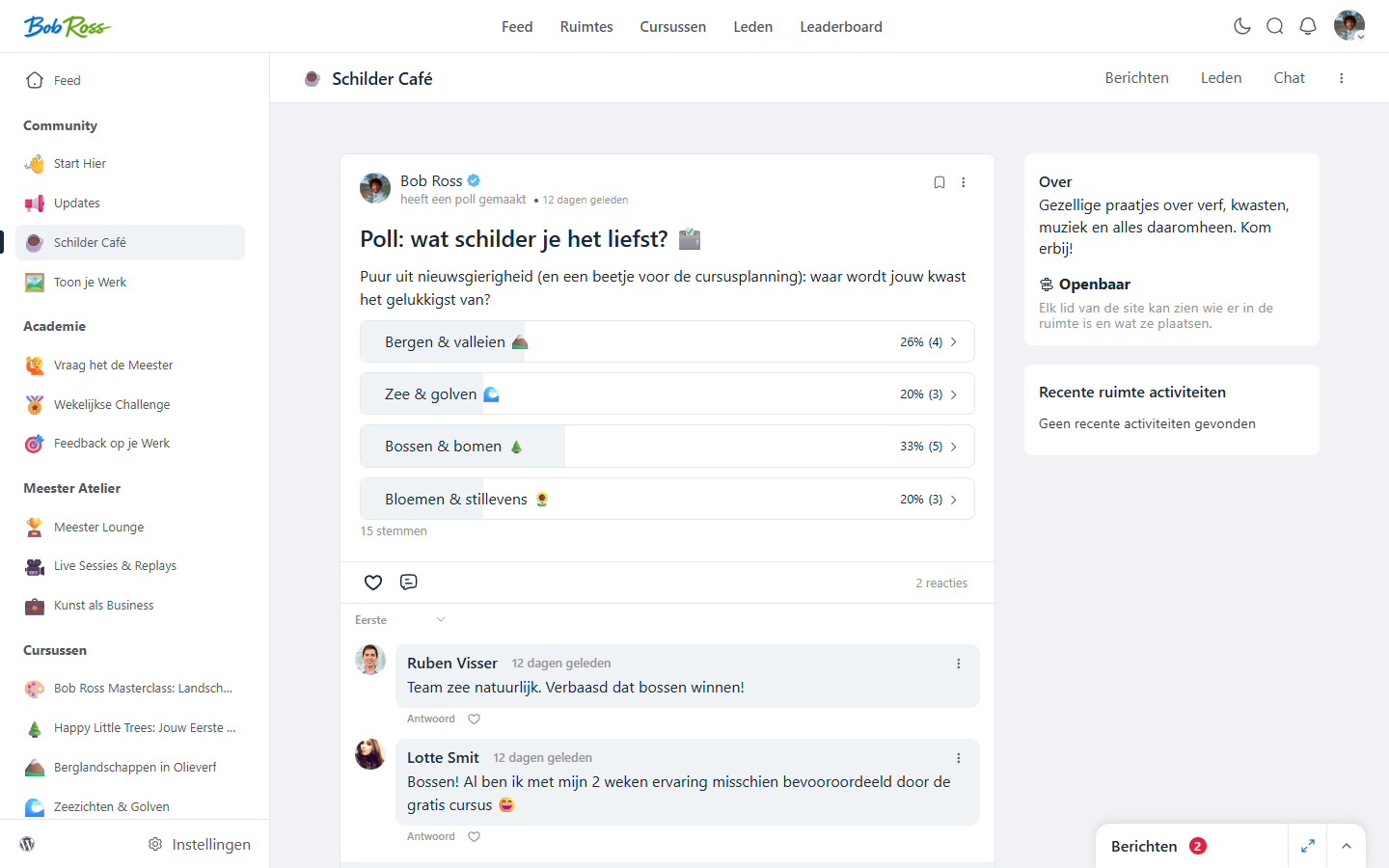
Polls are the most accessible form of interaction: voting takes one click, and members come back to see the result.
- Start a new post and choose the poll option.
- Ask your question and add two to five answer options. Short and concrete works best.
- Publish the poll. Members vote with one click and then see the percentages per option.
- Close the poll with a follow-up post about the result, and better still, do something with the outcome (“you chose topic X, it is scheduled for next month”). That teaches members that taking part matters.
3. Pinning messages and announcements #
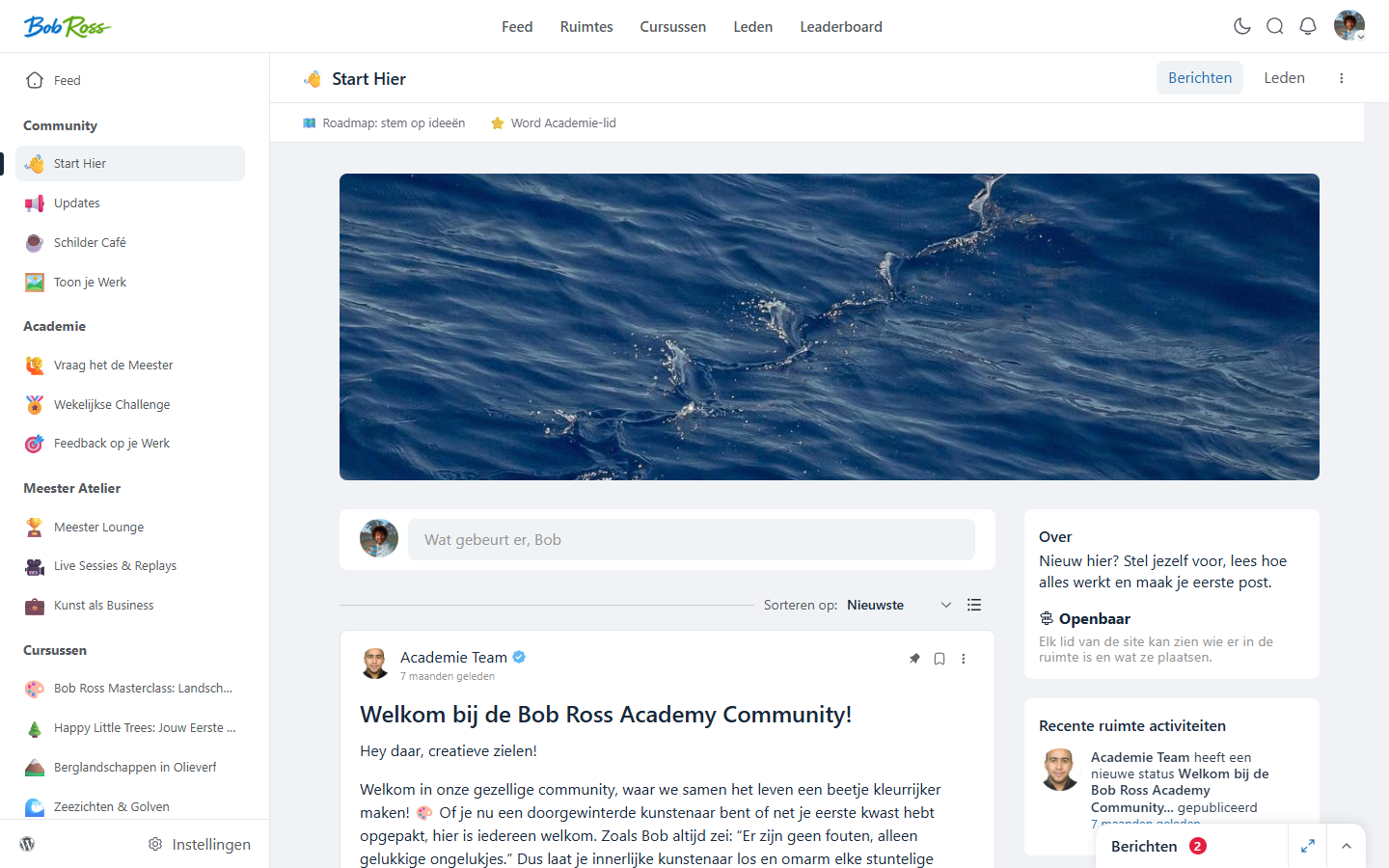
- Pinning (sticky), pin your welcome message or house rules to the top of a space through the post menu. One pinned message per space is the sweet spot; more than that becomes background noise and loses its purpose.
- Announcement space, in an Updates space, limit posting to administrators (see the article on spaces). Commenting stays open to everyone, so interaction remains.
- Topics, under Settings → Manage topics you create labels that members attach to their post, so posts can be filtered within a space.
4. How to keep the feed lively (without living in it day and night) #
- Fixed rituals, a weekly recurring post (Monday question, Friday results) gives members a reason to come back and lowers the threshold to join in.
- Be the first to reply, a post without comments feels unsafe. If you (or a moderator) reply within a few hours, others follow of their own accord.
- Show appreciation visibly, likes from the owner work wonders. And whoever receives appreciation climbs the leaderboard (see the leaderboard article).
- Move conversations into the community, if you receive a good question by email, answer it (with permission) as a post in the community. One question, a hundred readers.
Frequently asked questions #
Can I move a post to another space afterwards? #
Yes, as an administrator you can edit a post and place it in the right space. Handy when a question ends up in the wrong room.
Can I schedule posts? #
Yes, when publishing a post you can choose a publication moment. Ideal for your fixed weekly rhythm: simply schedule the Monday question on Sunday evening.
How do I prevent unwanted content? #
Under Settings → Content moderation you set how moderation works, and you can appoint moderators per space. See also the article on managing and moderating members.


